-
Lord's
- Match day
- Experiences
- London Spirit
- Conferences and events
- News & Stories
- History
- Lord's Performance Centre
- Visiting
Welcome to Lord's
Come here to find all the information you need to help you plan your visit to the Home of Cricket, the latest news from the Ground and to book your event.
COMING TO LORD'S
-
Tickets
- 2026 Tickets
- Women's Internationals
- Men's Internationals
- Vitality Blast 2026
- London Spirit
- ICC Women's T20 World Cup
- Match Day Hospitality
- The Lord's App
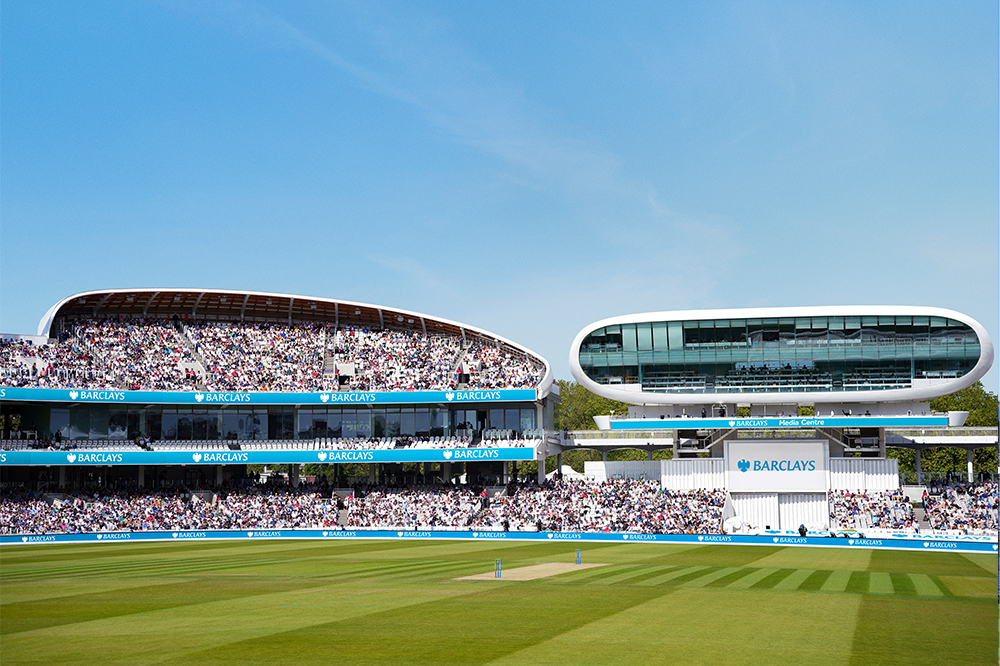
Tickets at Lord's
We’ve got a wide variety of formats covered with an exciting line up of matches to get your cricket fix.
Whether you like red or white ball, domestic or international, or men’s or women’s cricket, Lord’s will have the perfect cricket experience for you, your family and friends.

-
Hospitality
-
MCC
- The Club
- Cricket
- MCC Foundation
- Barclays Knight-Stokes Cup
- In the Community
- The Laws of Cricket
- Heritage & Collections
MCC
Marylebone Cricket Club is the world’s most active cricket club, the owner of Lord’s Ground and the guardian of the Laws of the game. Find out more about the history of MCC, our work in the Community and the famous Lord's Museum.
FIND OUT MORE

-
Inside Lord's
- Explore Inside Lord's
- Discover the Benefits
- Subscribe now
Welcome to Inside Lord's
Step closer. Your new digital platform at the Home of Cricket.
Subscribe now for early access to selected international matches, exclusive content, coaching masterclasses and many more discounts and offers.
Your access to Lord's like never before.
-
Jobs
- Vacancies
- Casual Roles
- Casual Retail Roles
- MCC Foundation
- Join the Team
- Our Benefits
- Who we are
- Volunteer
Jobs at Lord's
Marylebone Cricket Club is one of the World's most active Cricket Clubs, the owner of Lord's Ground and the Guardian of the Laws and Spirit of the Game.
With around 200 full time staff members covering a wide range of sectors - from IT to Chefs to Pavilion Stewards - there is a role at the Home of Cricket for everyone.

- Shop