-
Visit Lord's
- Matchday information
- Fixtures and results
- How to get here
- Tours and Museum
- Lord's Tavern
- Contact us
Welcome to Lord's
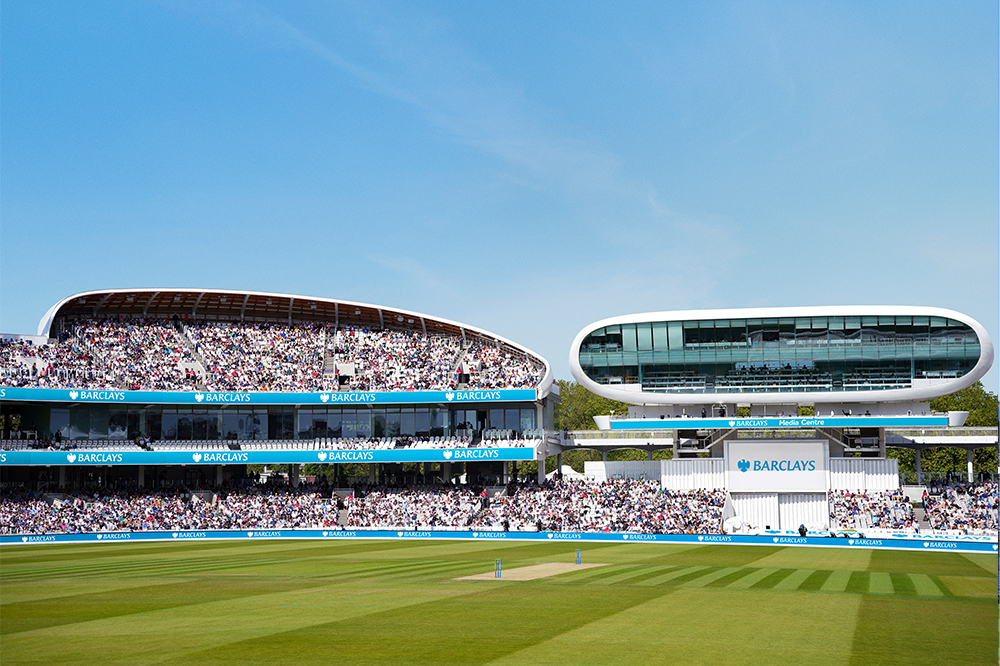
Make the most of your visit to the Home of Cricket. Whether you’re joining us for a match, a tour, or a day out, you’ll find essential information on travel, facilities, and experiences right here. Plan your visit below.
COMING TO LORD'S
-
Tickets
- 2026 Tickets
- Matchday Hospitality
- Women's Internationals
- Men's Internationals
- Vitality Blast 2026
- London Spirit
- ICC Women's T20 World Cup
- Digital Ticketing - The Lord's App
Tickets at Lord's
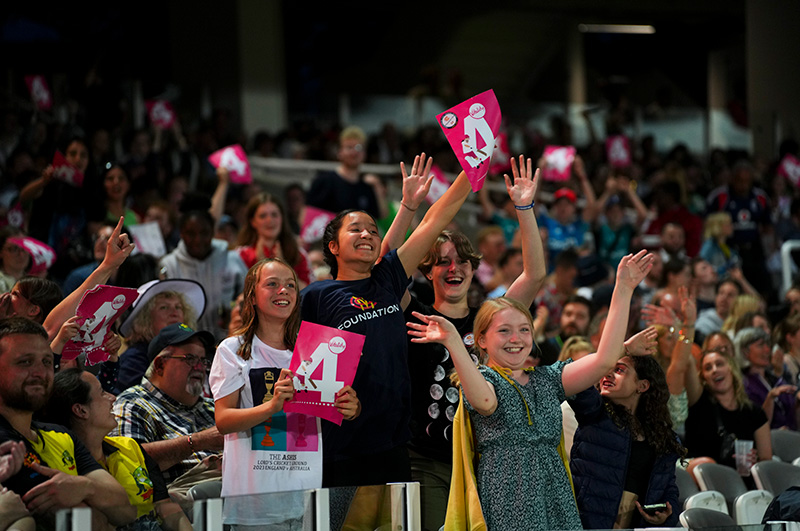
We’ve got a wide variety of formats covered with an exciting line up of matches to get your cricket fix.
Whether you like red or white ball, domestic or international, or men’s or women’s cricket, Lord’s will have the perfect cricket experience for you, your family and friends.
-
Hospitality & Experiences
- Matchday Hospitality
- Debentures
- Seasonal Suites
- Old Clock Tower Club
- Experiences
- Conferences & events
- All Hospitality & Experiences
Hospitality & Premium Experiences
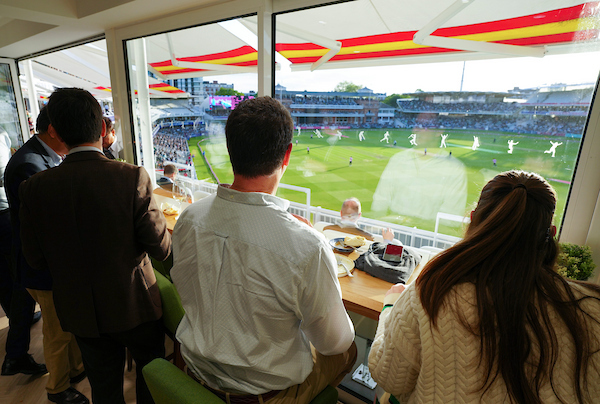
Take your Lord’s experience to new levels with our collection of premium hospitality experiences. From world-class matchday dining to exclusive behind-the-scenes access and private events, experience the heritage and atmosphere of the Home of Cricket in the ultimate style.
-
Play & Train
- Lord's Performance Centre
- Cricket Coaching
- Fitness and Health
- Private Hire
- Cricket Equipment Shop
Lord's Performance Centre
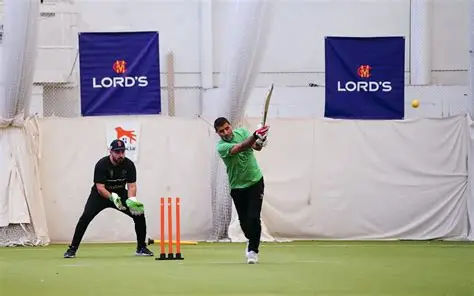
Train, play and refuel at the Lord’s Performance Centre - home to indoor cricket coaching, personal training, group classes, HOAM café and our specialist cricket shop.
-
MCC
- The Club
- Cricket
- MCC Foundation
- Barclays Knight-Stokes Cup
- Young Female Broadcaster
- In the Community
- The Laws of Cricket
- Heritage & Collections
MCC
Marylebone Cricket Club is the world’s most active cricket club, the owner of Lord’s Ground and the guardian of the Laws of the game. Find out more about the history of MCC, our work in the Community and the famous Lord's Museum.
FIND OUT MORE

-
Shop
- Lord's Store
- Lord's Performance Centre Shop
Shop
Discover a wide range of clothing, headwear, gifts and souvenirs, alongside premium cricket equipment at the Lord’s Performance Centre, designed to help you remember your visit to the Home of Cricket. - More...